Testing Your API Key
Now that you have your API key, use the built-in testing tools to verify your connection and execute your first feeless transaction.
Step 1 - Navigate to TRY IT NOW

From your API key list in the portal, click View Details and then select the TRY IT NOW button.
Step 2 - Send Test Transaction
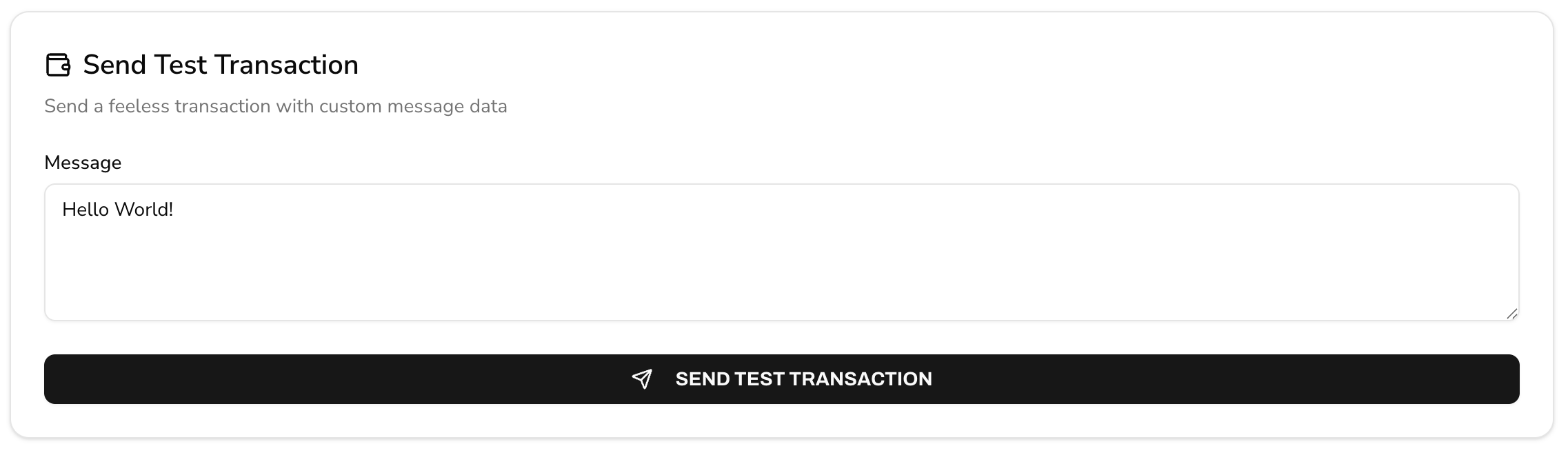
The Send Test Transaction tool allows you to write a custom message directly to the Stability blockchain using your API Key.
- Enter a message in the text field (e.g. "Hello World!")
- Click the
SEND TEST TRANSACTIONbutton
🎉 Congratulations! You have done your first transaction on the network! You're ready to start building on Stability!
Additional Testing Options
Beyond sending a test transaction, the API testing page provides additional tools to help you interact with the Stability blockchain.
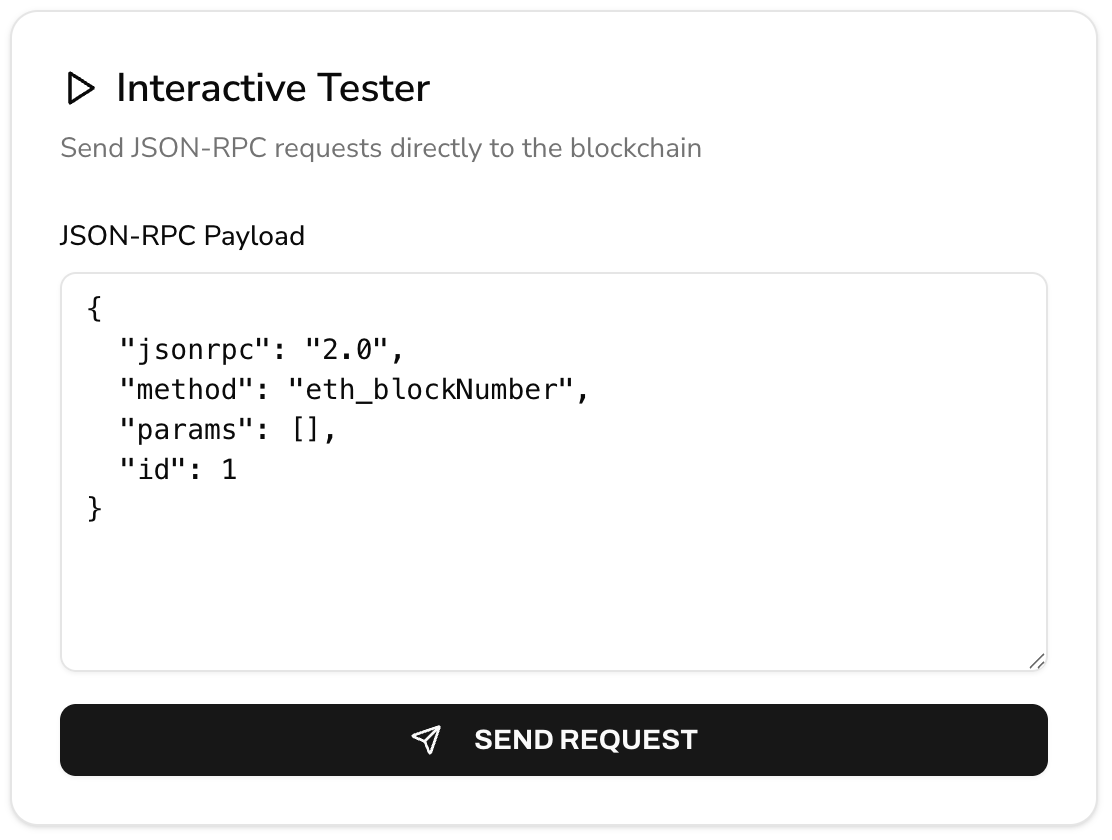
For backend developers, the Interactive Tester allows you to send raw JSON-RPC requests directly to the network. You can modify the pre-filled payloads to test specific blockchain methods and view the real-time responses.